Getting started
Item setup
Catalog management
Walmart Fulfillment Services (WFS)
Seller Fulfillment Services
Listing optimization
Order management
Taxes & payments
Policies & standards
Growth opportunities
Advertising
Walmart Seller appNew


You can ship your Marketplace items with expedited delivery by using Walmart’s OneDay or TwoDay delivery programs. If you’re eligible, you have two ways to opt-in based on how you manage fulfillment. In this guide, you’ll learn more about Seller-managed and Third-party managed shipping options.
How does it work?
The seller-managed option allows you to manage your fulfillment network by shipping items from your warehouse or with a fulfillment provider. To be eligible for the seller-managed option, you must:
Complete the onboarding process in Seller Center.
Have an active Seller Center account. Inactive, suspended or terminated accounts aren't eligible for program access.
Meet the minimum performance standards. Check the Performance dashboard in Seller Center to confirm your performance for the last 30 days meets the requirements.
Be a Walmart Marketplace seller for more than 90 days or have fulfilled a minimum of 20 orders that meet these metrics within the last 30 days:
On-Time Shipping: >95%
On-Time Delivery: >95%
Valid Tracking Rate: >95%
Cancellation Rate: <1.5%
Request access
In Seller Center, select Account Settings , then select Seller Fulfillment under the Shipping Profile heading. Navigate to the Shipping Info tab, then select Request Access in the OneDay and TwoDay Shipping row. Approval will be completed within the business day (automated approval/rejection). Once approved, you’ll automatically gain access to OneDay and TwoDay shipping methods.
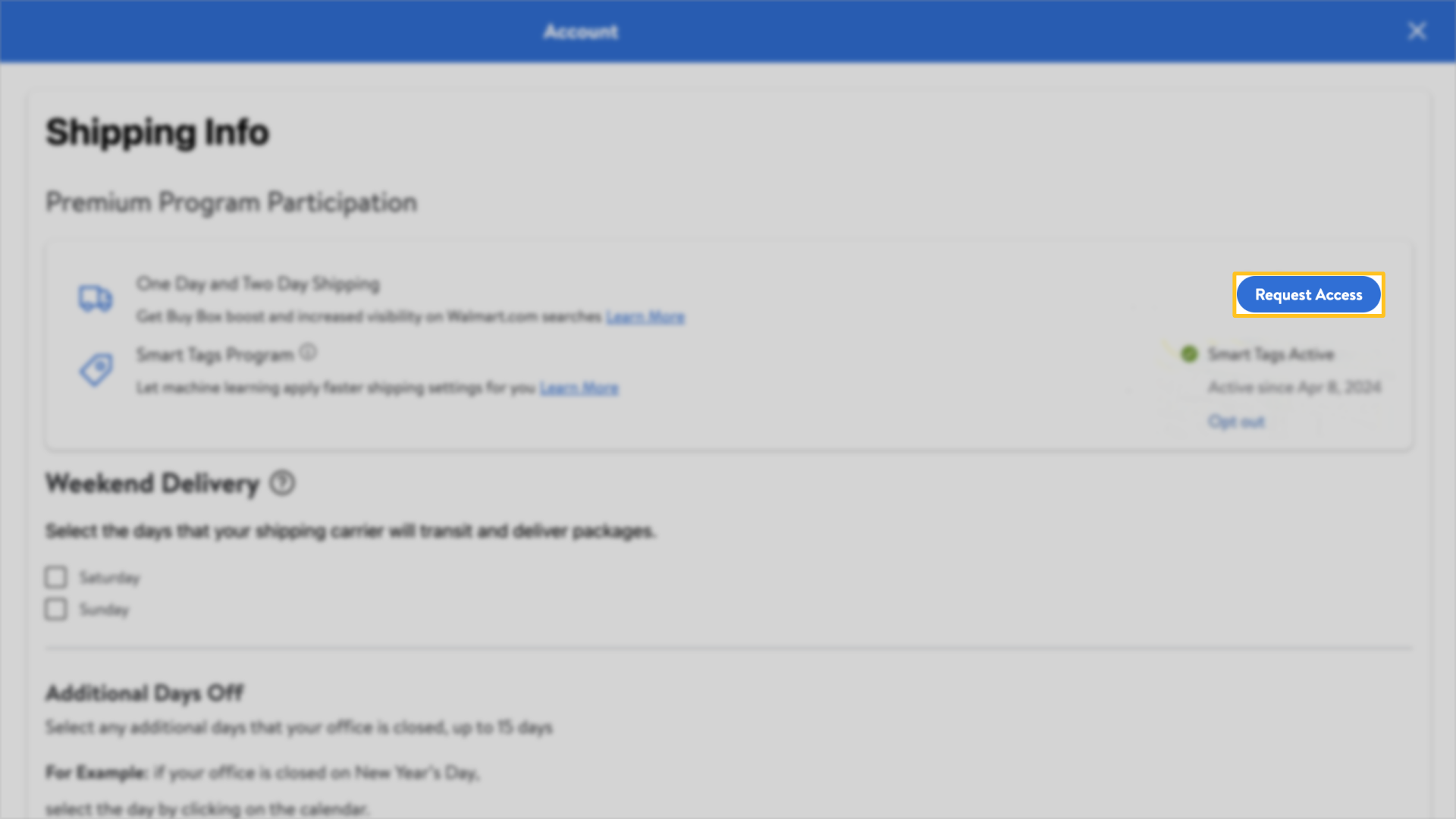
Follow the instructions in Shipping Templates: Domestic or international shipping settings to set up your OneDay or TwoDay shipping settings. You can set up TwoDay to designated regions and sub-regions to accommodate for any shipping constraints. You’re solely responsible for verifying if the products listed under a specific program can be delivered on time. It’s your responsibility to determine if there are any constraints such as weight, distance or other factors that may prevent timely shipping as part of that program and to list them accordingly.
Third-party managed
If you can’t fulfill your items within one or two business days or you don’t meet other requirements of the seller-managed option, you can use Deliverr or Shipbob, third-party shipping providers.
Requirements for Third-Party Solutions
Third-Party Solution Providers | Eligibility Requirements |
|---|---|
Deliverr |
If you choose Deliverr to fulfill orders on your behalf, you'll be approved for the OneDay and TwoDay Delivery program regardless of your performance history. Learn more about Deliverr’s additional product restrictions here. |
Shipbob |
If you choose Shipbob to fulfill orders on your behalf, you'll be approved for the TwoDay Delivery program regardless of your performance history. Learn more about Shipbob Fulfillment here. |
Request access
To get started, sign up with Deliverr or Shipbob and connect your Seller Center account to preview the cost for each item in your catalog. Follow the directions to confirm your participation.