Getting started
Onboarding
Account settings
Getting ready to sell
Selling and Item Limits
Item Setup Methods & Overview
Set Up and Update Your Payment Info
API Integration Methods
Generate API Keys
V3 Order APIs
Logistics and Fulfillment Solution Providers
Account and Item Sales - Overview
Troubleshooting
Item setup
Catalog management
Listing optimization
Order management
Taxes & payments
Policies & standards
Growth opportunities
Shipping & fulfillment
Walmart Fulfillment Services (WFS)
Other Topics


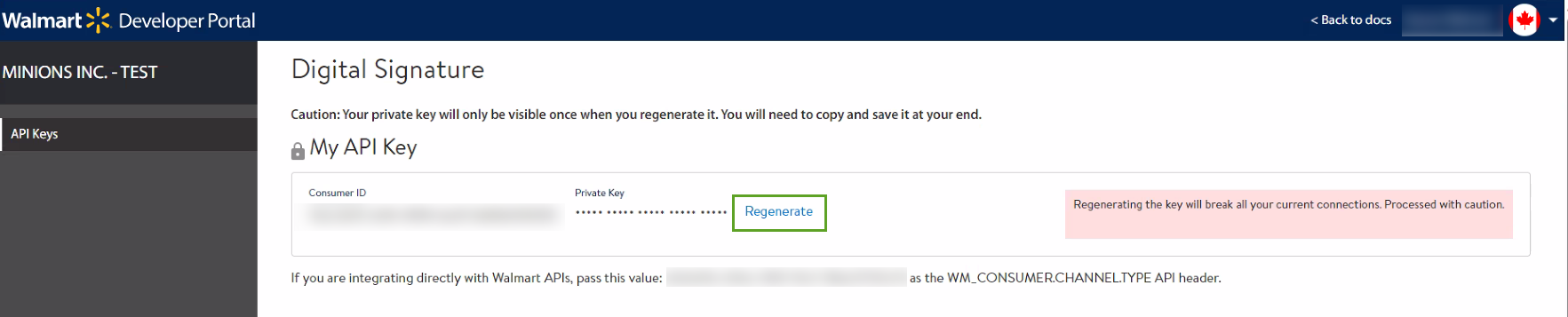
If you want to use our APIs to manage your business, you need a Consumer ID and a Private Key to access the APIs. These API credentials can only be generated from the Developer Portal by admins only. You will also need the value for the Channel Type header to send information to the API.
Generate Private Key
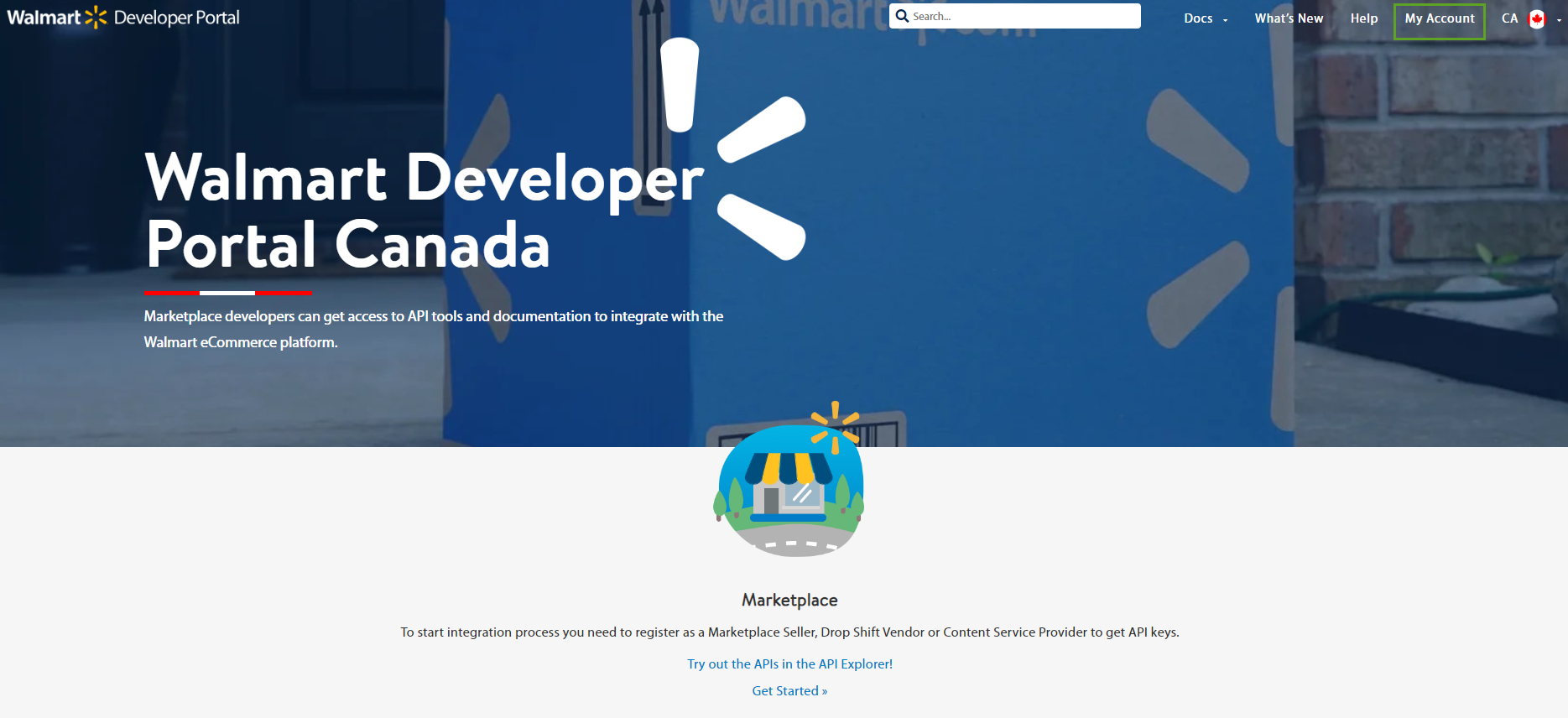
Go to the Developer Portal.
Click on My Account.
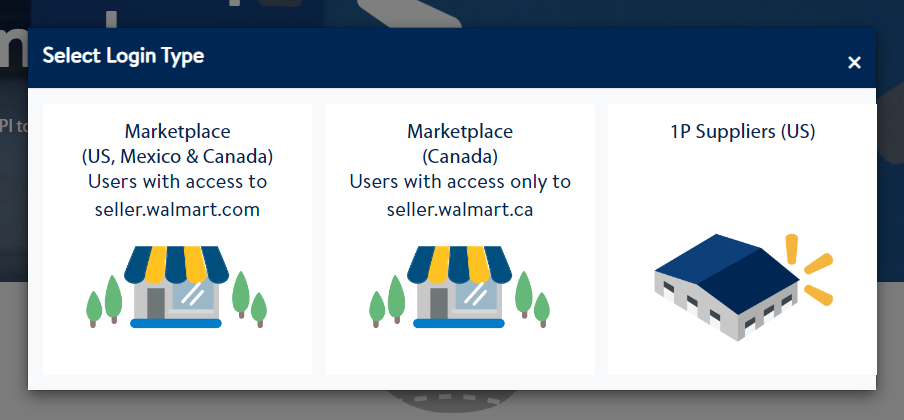
3. Click on your Marketplace Region.
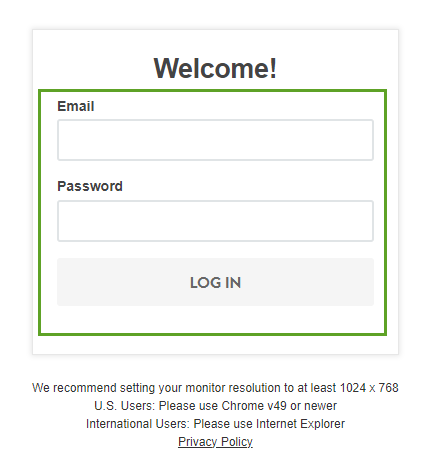
4. Login with your Seller Center ID.
Regenerating a new private key will disrupt all your current connections.
5. Click on Regenerate to generate your Private Key.